Make.com: Automation from A to Z
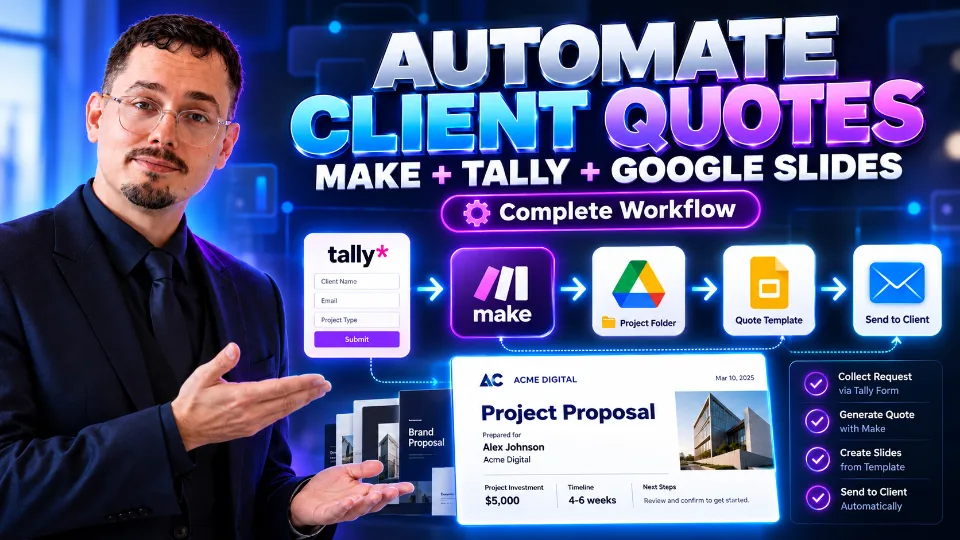
Learn to use Make.com to automate your tasks, connect your tools and build professional workflows without having to develop complex systems. In this course, you will gradually discover the Make interface, scenario logic, triggers, modules, filters, routes and multi-step automations. You will learn in particular how to connect tools such as Tally, Google Drive, Google Slides, Gmail and other professional services to create real business automations. Through practical cases, you will see how to: - automatically collect information from a form; - automatically generate personalized documents; - create dynamic quotes from a template; - organize files in Google Drive; - automatically send emails to customers; - connect several applications in a single workflow; - reduce repetitive tasks and save time; - build reusable automations for your business. The course is designed to be practical, progressive and focused on real projects. You will not just discover Make.com: you will learn to think like a workflow designer and to turn a manual process into a complete automation. No prior experience with Make.com is required. This course is for entrepreneurs, freelancers, consultants, professionals, content creators, sales teams, developers and anyone who wants to automate their activity with no-code tools. By the end of the course, you will be able to design your own Make.com scenarios and automate a large part of your professional processes.